
built-in map editing
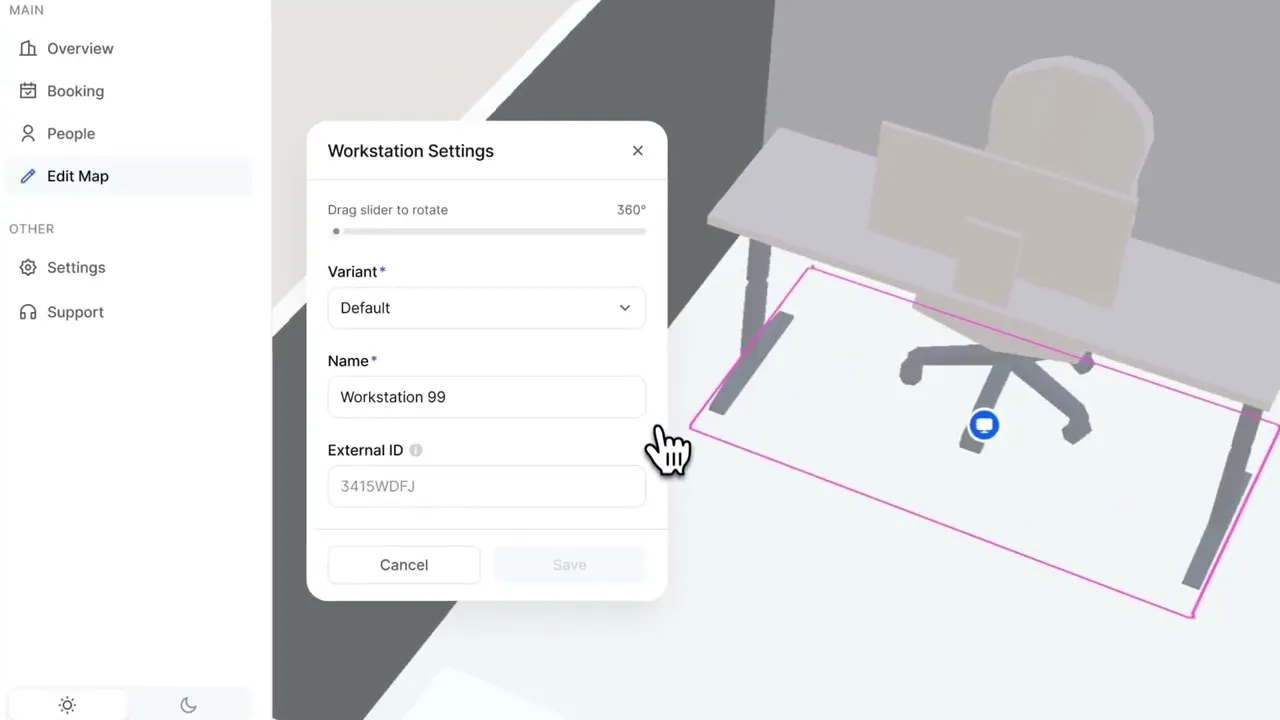
MapsIndoors is an indoor mapping platform that helps organizations visualize and navigate complex indoor spaces. As the Lead Product Designer, I led a critical initiative to expand our enterprise offering by enabling customers to embed map editing capabilities directly into their own products.
my role
Lead Product Designer

platform
Web

team
PM, Tech Lead, 2 Engineers

duration
6 Months
the problem
🙅🏻 Enterprise customers don't want to redirect users
Our sales team was losing high-profile enterprise deals because of a critical gap in our product. Prospects were walking away from contracts, because we couldn't meet a fundamental requirement: allowing their end users to edit maps without leaving their product ecosystem.
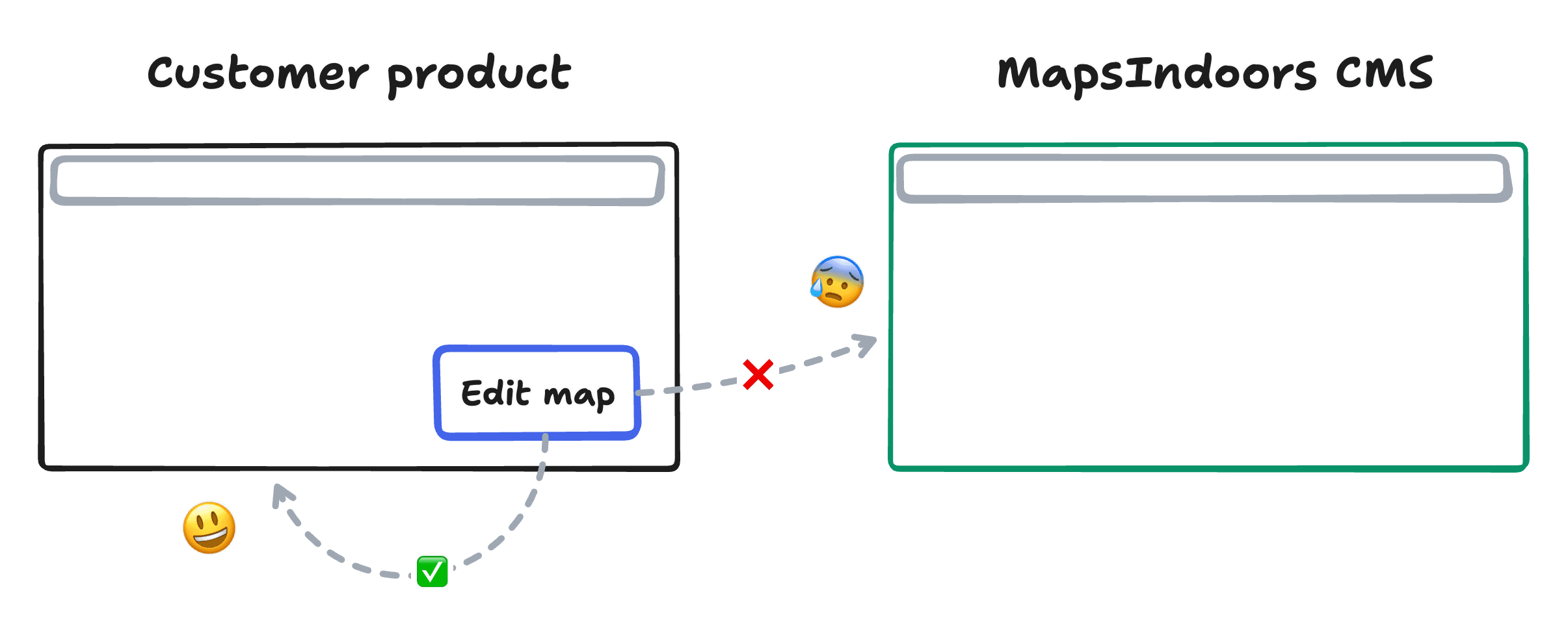
The existing solution—sending users to the MapsIndoors CMS—worked fine for smaller customers, but enterprise clients needed white-label capabilities. They had invested heavily in their own product experiences and refused to disrupt that with external tools.
Discovery
🔎 Defining the problem
I conducted in-depth interviews with 5 enterprise customers and 3 high-value prospects to understand their needs, technical constraints, and deal-breakers.
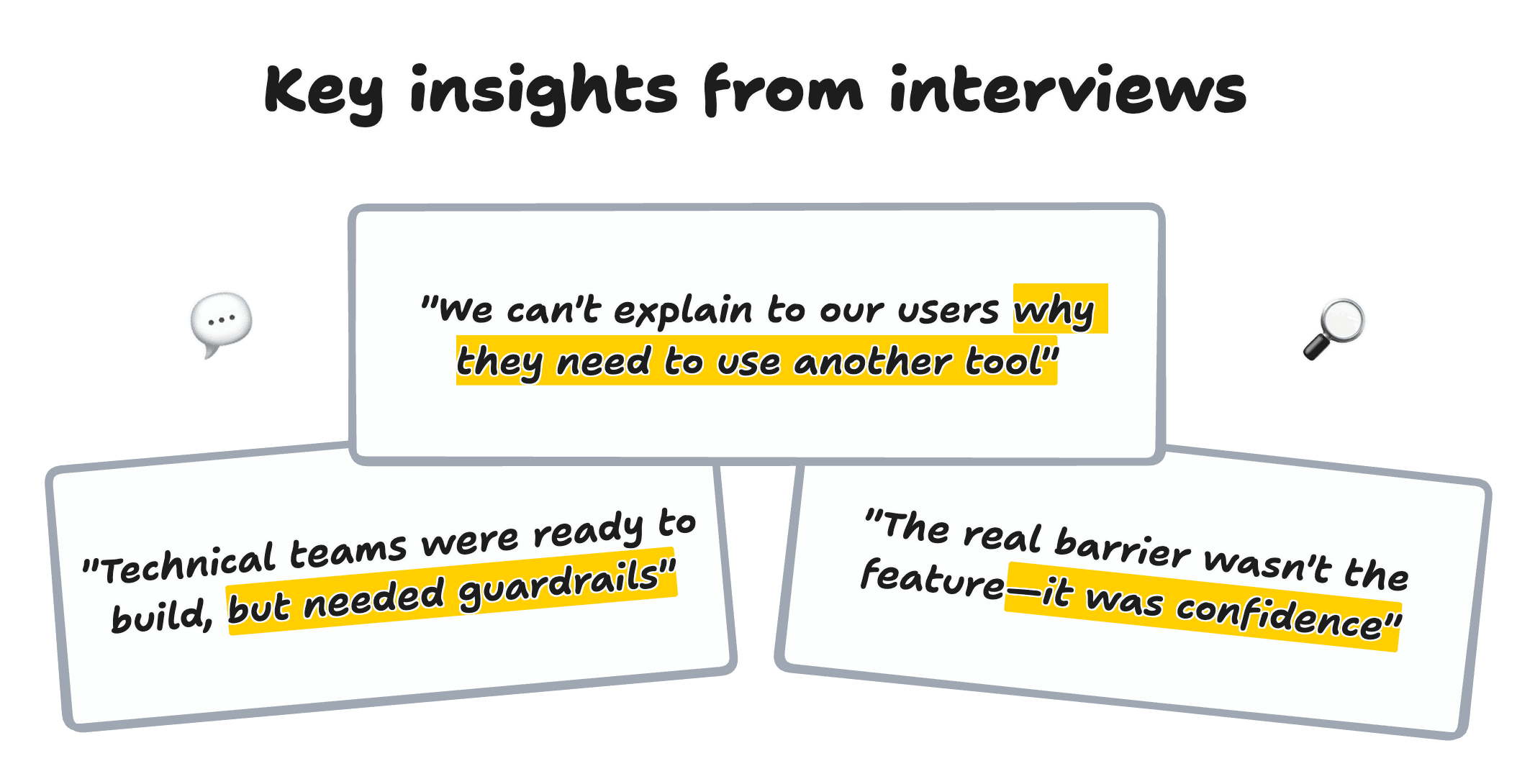
Using these insights, I was able to ask more "why is that?" questions and ultimately arrived at some overarching insights to guide our solution exploration phase:
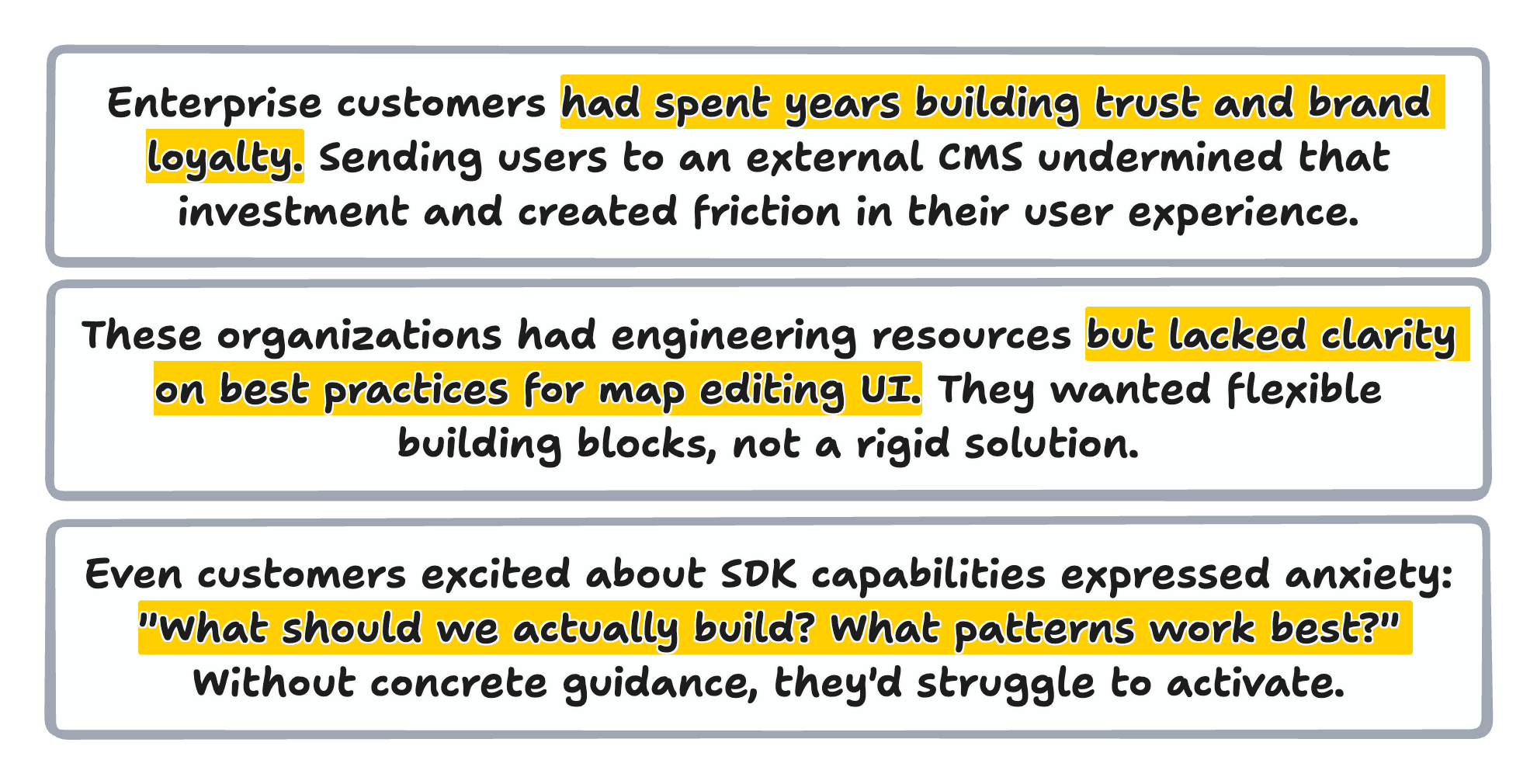
😵💫 Internal alignment challenge
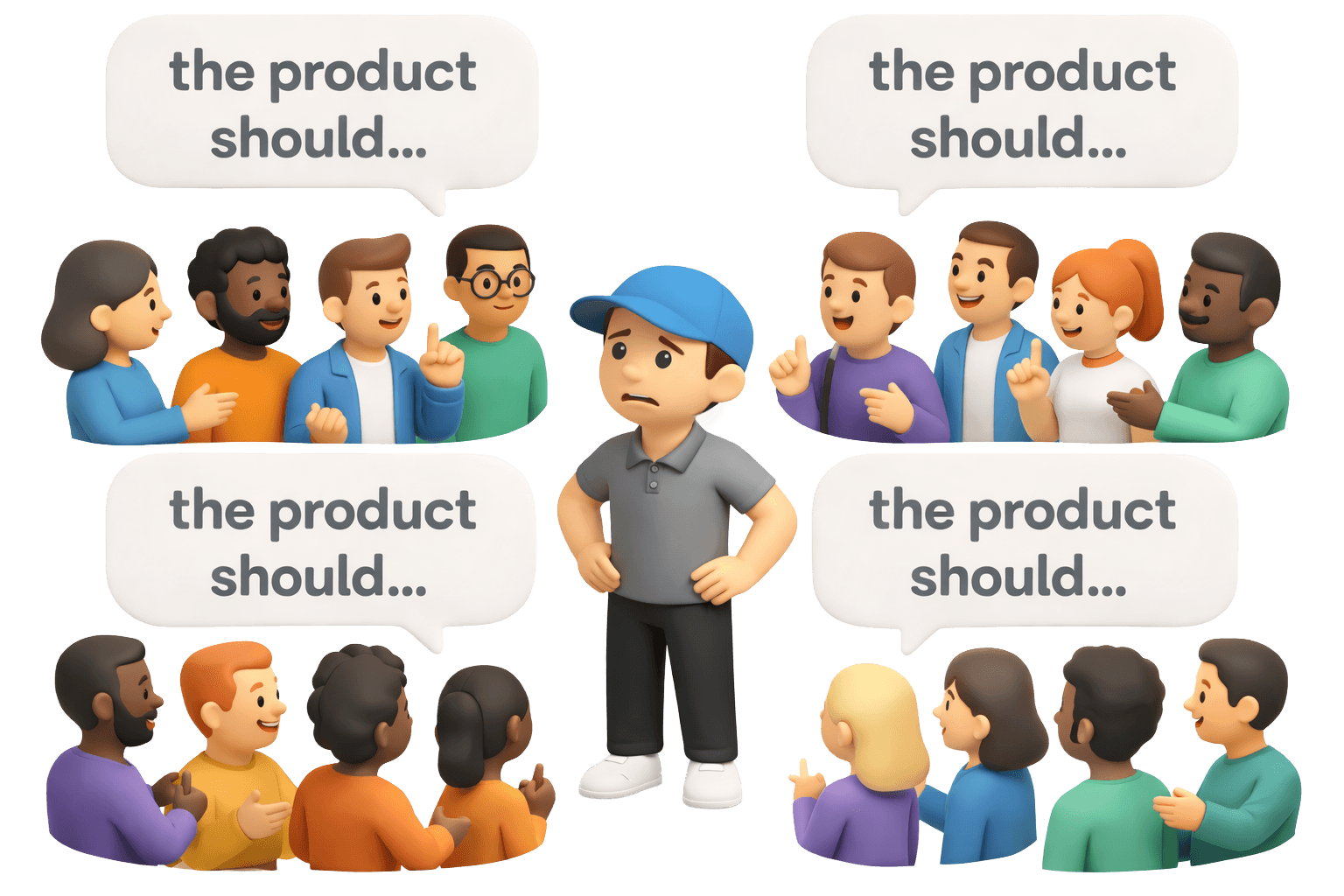
The research revealed another problem: our own team was fragmented on the solution. Engineering leaned toward a separate CMS product. Sales wanted a quick fix. Product worried about support costs. Before solving for customers, I needed to align the team.
To understand the full scope of the problem, I facilitated journey mapping workshops with stakeholders across sales, customer success, engineering, and product management—from individual contributors to VP level.
We started with the current state of the handoff journey, visualizing what happened when enterprise customers needed to edit maps:
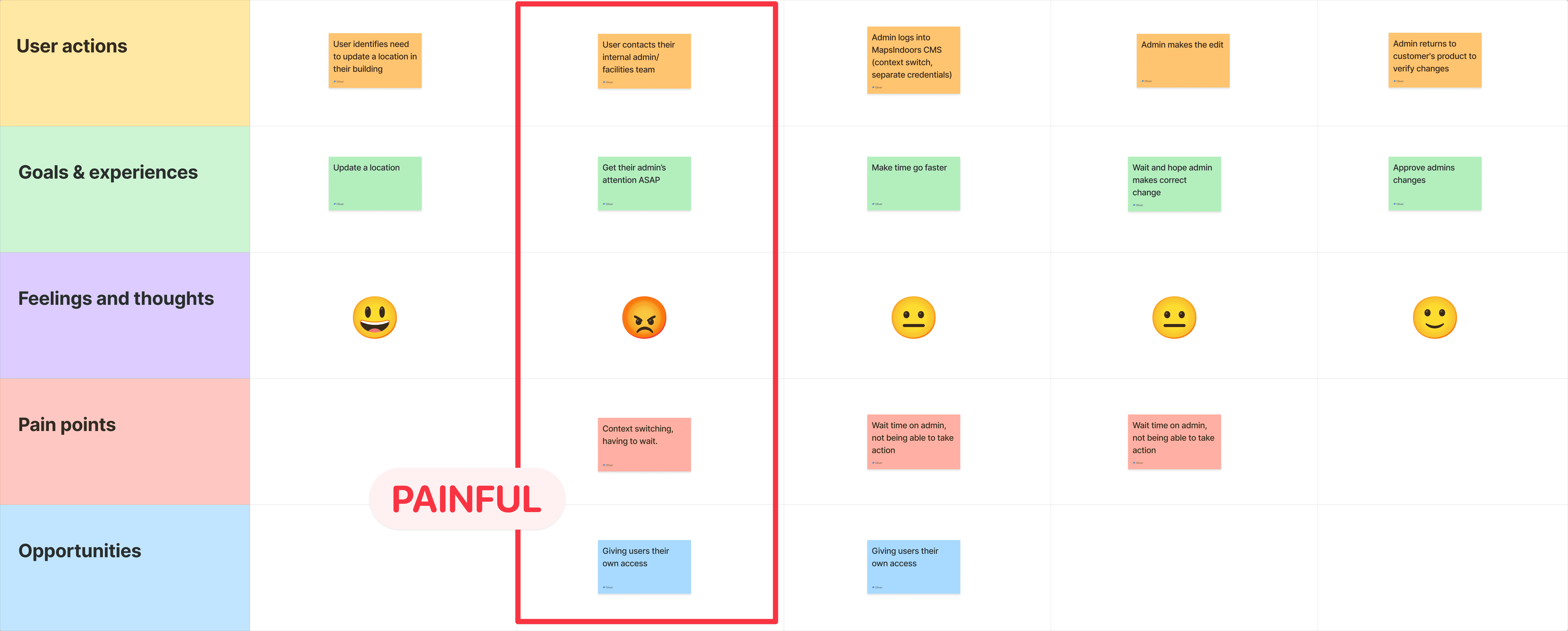
And then the future state: embedded editing journey
Working with the team, we blueprinted the ideal experience:
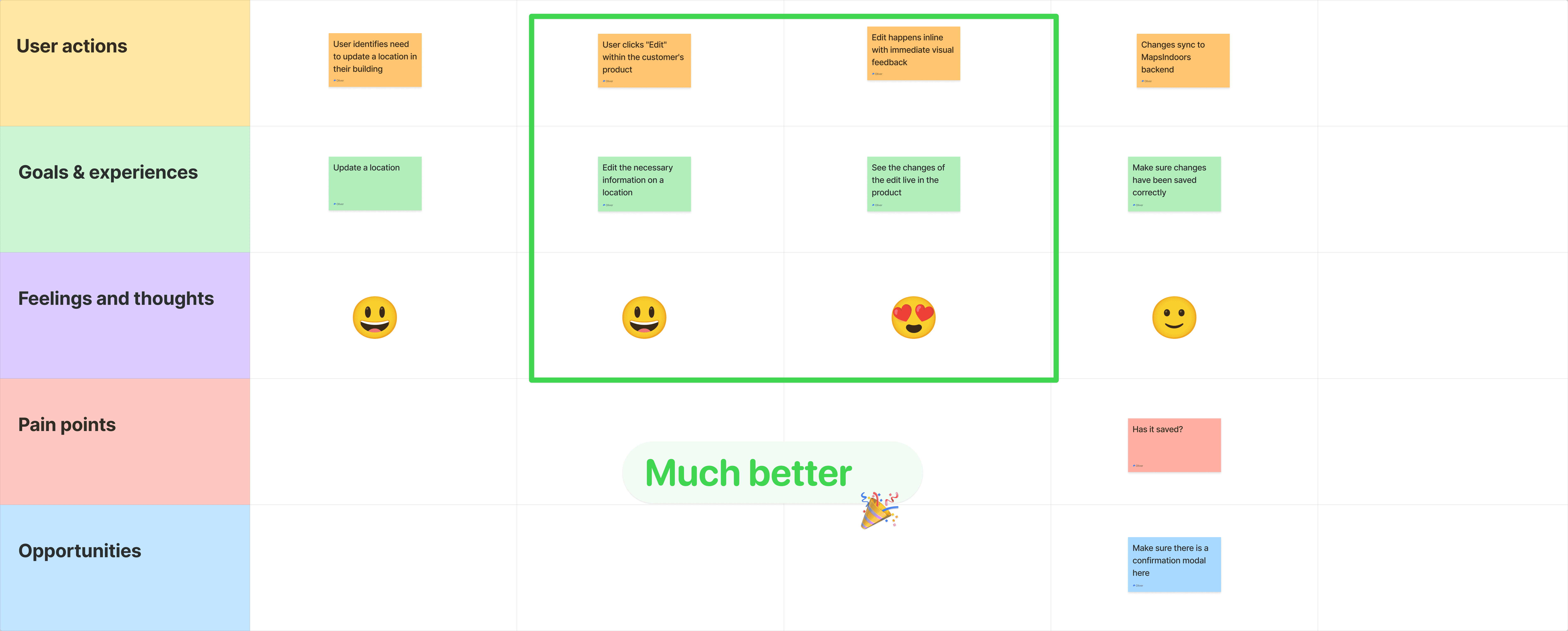
These artifacts became our north star.
Aside from that, I also used my skills in motion design, prototyping, and storytelling to create a visionary video of how this feature could work inside the enterprise customer's product.
This really cemented the understanding of the feature for everyone:
exploration
💡 Finding the right solution through prototypes and interviews
Now that everyone understood the problem and vision clearly, it was time to narrow in on a possible solution.
I did this by creating fully interactive prototypes of the different solutions we had discussed.
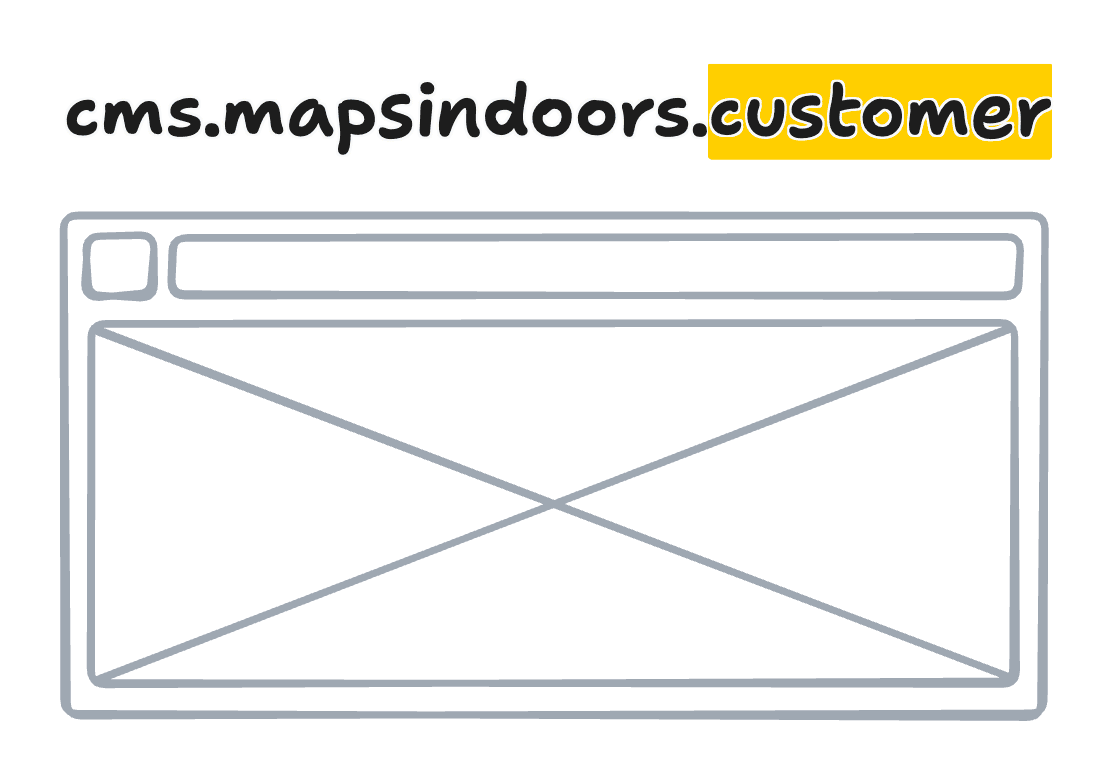
option 1
Separate White-Label CMS
✅ Pros: Faster to build, leverages existing code
❌ Cons: Still an external tool, high maintenance burden, doesn't scale with customization needs
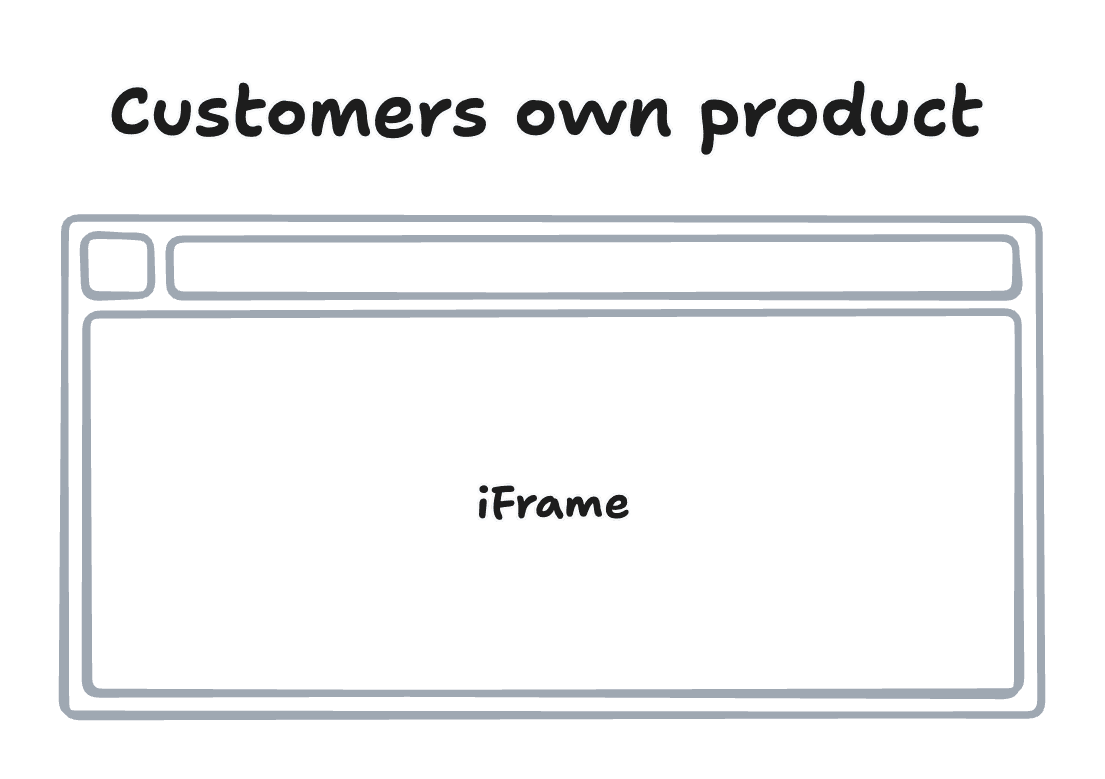
option 2
Embedded iframe Widgets
✅ Pros: Easy integration, consistent experience
❌ Cons: Limited customization, clunky UX, doesn't match customer design systems
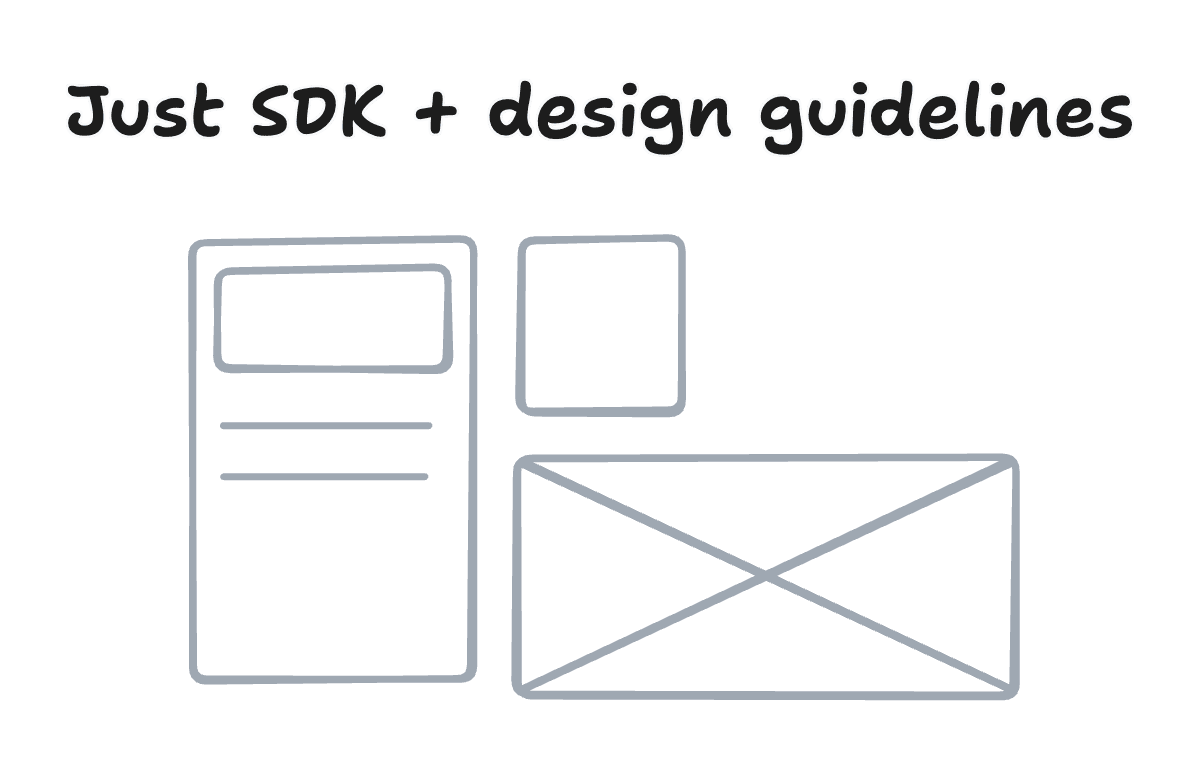
option 3
Headless SDK with Design Guidelines
✅ Pros: Maximum flexibility, scalable, customers own the experience
❌ Cons: Requires more customer effort, needs excellent documentation
I also prototyped the entire SDK flow and iFrame flow, and interviewed customers and stakeholders using these live user journeys and stories to gather usability insights, seeing what felt best:
solution
💻 A working prototype to go with the first SDK release
Through the interviews, a pattern emerged: enterprise customers didn't want our UI—they wanted our map editing capabilities wrapped in their UI. The SDK approach gave them that power while our design guidance would reduce their time-to-value.
🤝🏻 Roadmap collaboration
Working with the Product Manager and Engineering Lead, I translated research insights into actionable roadmap items through structured collaboration.
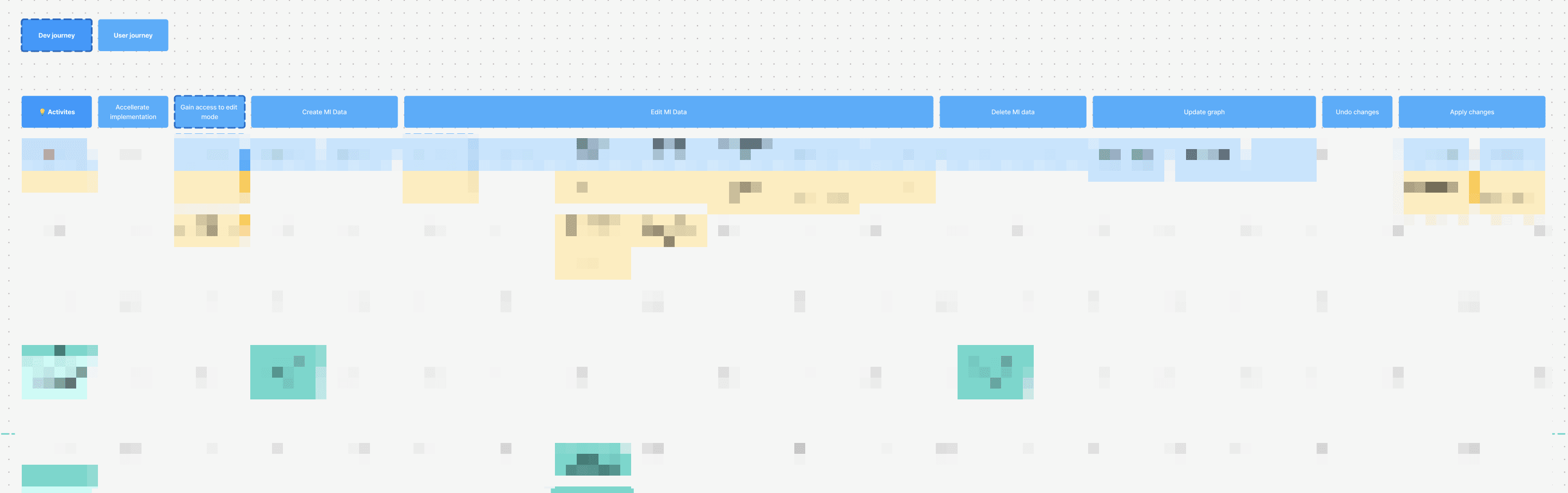
This storymapping artifact became our roadmap. The PM used it to communicate with leadership, engineering used it for sprint planning, and I used it to prioritize design work. Every stakeholder could see how their work connected to user value.
🚀 Shipping the product
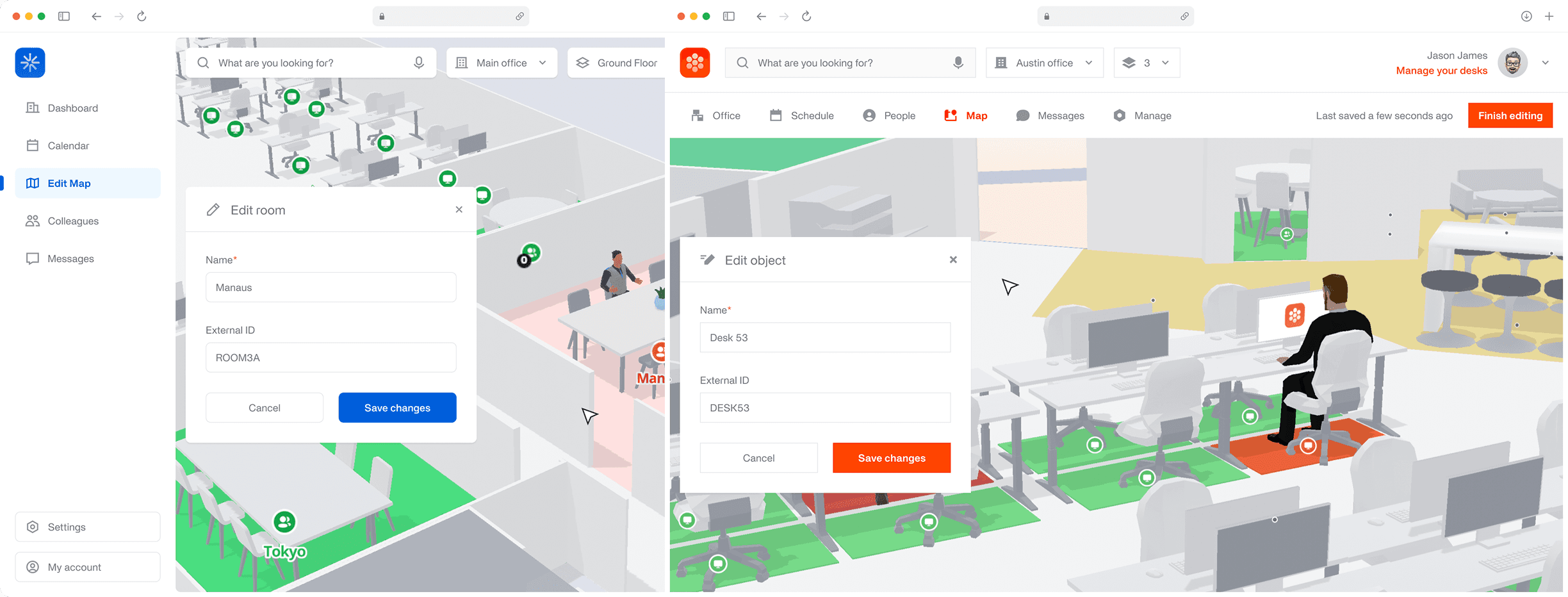
Finally, before releasing version 1, I collaborated with marketing to develop a story highlighting that this functionality would be integrated into their own products. I created fake brands to represent their products and designed UI demonstrations to showcase the capabilities we had built.
learnings
This project's nuggets 🧠
1. SDK features without design guidance have low activation
Developers can implement APIs, but they struggle to make good UX decisions without examples. Investing in reference implementations and visual documentation drives adoption far more than technical docs alone.
2. Internal alignment unlocks customer value
I spent as much time building empathy within our team as I did with customers. The narrative framework became our shared language and made every subsequent decision faster.
3. Enterprise customers want control, not convenience
The impulse was to build something "easier" for customers, but they actually wanted something more flexible—even if it required more work. Listening to this insight changed our entire approach.
4. Design can de-risk technical investments
By prototyping the complete solution before engineering wrote production code, we validated assumptions, caught edge cases, and gave the team confidence in the direction. The development process was smoother because of it.
5. Design thinking creates better technical solutions
By starting with user empathy (research), defining the real problem (not "build a CMS" but "enable seamless editing"), ideating multiple solutions, and prototyping before building, we avoided costly false starts. The solution we shipped was technically simpler and more valuable than our initial instincts suggested.
more work




let's

connect
I love talking about all things design and software, video games, TV shows, books, music, art, and exciting projects!
Feel free reaching out to me anytime!


© 2026 Oliver Odgaard
hi@odgaard.work